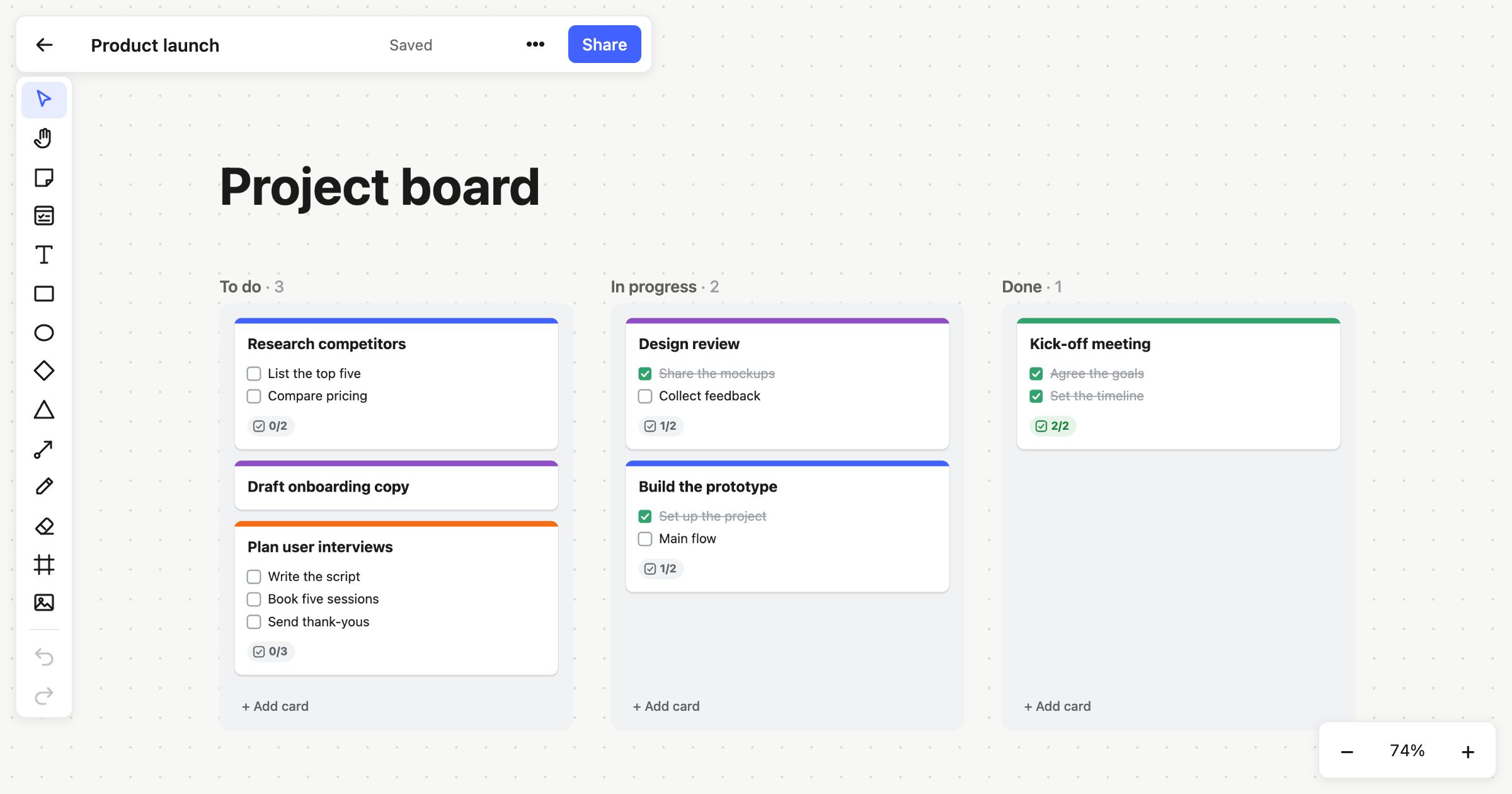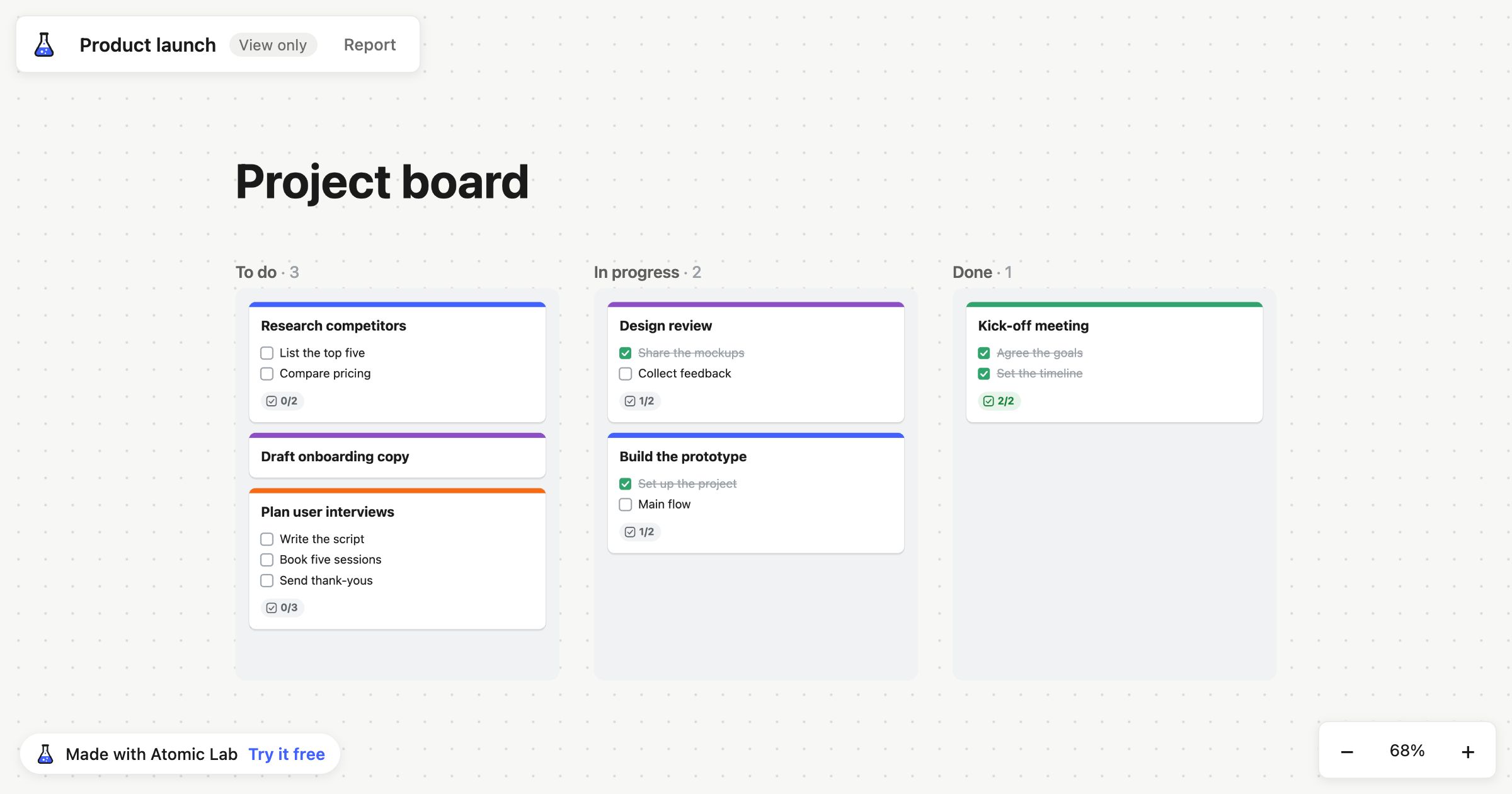
Until recently, Atomic Lab was invite-only. You got in through a magic link someone sent you, and if you were signed out there was nothing to see. When I opened sign-up, I also changed what a signed-out visitor gets at the root of the site. Now you can start drawing straight away, with no account.
That meant putting a whole whiteboard in the browser's own storage. It took more work than I expected, so this post covers the parts that caught me out.
Why the start page lets you draw first
People try a whiteboard by drawing a box and dragging an arrow to it. If the first thing they see is a form asking for their email, they haven't done that yet. I wanted the first board to come before any questions.
So the start page at / now has three things for signed-out visitors: a button to start drawing, templates with previews, and a list of the boards kept in this browser.
Sign-up is still there when you want it. It's a magic link. If the link goes to an email we haven't seen before, it creates the account and sends a sign-up email instead of a sign-in one. On your first sign-in you give your name, and that sets up your own Free workspace. When you sign out you land back on the start page, where your local boards are listed.
Same editor, saved in IndexedDB
Local boards live at /local/:id and are saved in IndexedDB. They use the same editor as boards in a workspace, minus three things: images, sharing and people. All three depend on the server. Images are stored on the server in several sizes, and sharing and presence need other people connected to the same room. Without an account there's no server side, so those features wait until you have one.
A local board saves every time it changes, and again when the page is hidden. That second save matters because a hidden page is often the last chance you get. On a phone especially, a tab can be put away and never come back.
Only one tab edits a board
The first problem I hit: open the same local board in two tabs. Each tab has its own copy in memory and each one saves to IndexedDB. Whichever saves last overwrites the other, and the other tab's work is gone without any warning.
Boards in a workspace don't have this problem. Edits go to the server over a WebSocket, the server puts them in order, and every client sees the same result. A local board has no server to do that ordering.
I used the Web Locks API for this. It lets tabs on the same origin ask for a named lock, and the browser gives that lock to one of them at a time. Whichever tab holds the lock for a board is the editor. Any other tab with that board open becomes read-only and follows the editor's saves, so you can still see the board there, but only one tab can change it.
The back/forward cache, persistent storage, and a stuck "Loading..."
Browsers can keep a page you've just left frozen in memory so that pressing Back is instant. That's useful, but it caused a problem with the lock. If you leave a board and the browser freezes that page, the frozen page still holds the board, and you can't see it or do anything with it. Open the same board somewhere else and you'd get a read-only view, locked by a page that isn't really there any more. So when a page goes into the back/forward cache, it releases the board.
Storage brought a different worry. Browser storage is best-effort by default, so the browser can clear a site's data when space runs low. For a local board, that storage is the only copy of your work. Atomic Lab asks for persistent storage, which tells the browser to keep the data unless the user removes it. The browser decides whether to grant it, though. A page can only ask. Local boards are tied to that browser, and clearing site data deletes them, which is a good reason to move them into an account once you've decided to keep them.
Then there was a bug I found later. Leave a page partway through creating a board, go back to the start page, and it could sit on "Loading..." indefinitely. Pages were waiting on IndexedDB before showing anything, and in that case the wait never ended. The fix was to stop pages waiting on IndexedDB at all. My takeaway is that storage shouldn't hold up the first render. Show the page, then fill in the boards when they arrive.
Moving local boards into a workspace
After you sign up, the workspace page offers to move your local boards into it. They're sent to POST /api/workspaces/:id/boards/import.
Data coming from the browser is client data, so the server checks those boards the same way it checks any edit. It also refuses images. Local boards can't contain images, so if one turns up, something has gone wrong.
The order of steps matters most here. The local copies are deleted only after the import succeeds. If the request fails, because the connection drops or the server rejects a board, your boards are still in the browser and you can try again. It would be easy to clear local storage first and send the request second, and that's how people lose their work. Confirm first, then delete.
Try it
If you want to see how it works, go to atomiclab.co.uk and click start drawing. You don't need an account. The Free plan lets you make whiteboards and save them locally. When you want to work with other people, inviting your first member starts a 14-day Team trial, and Team costs $6 per member per month or $60 per member a year.