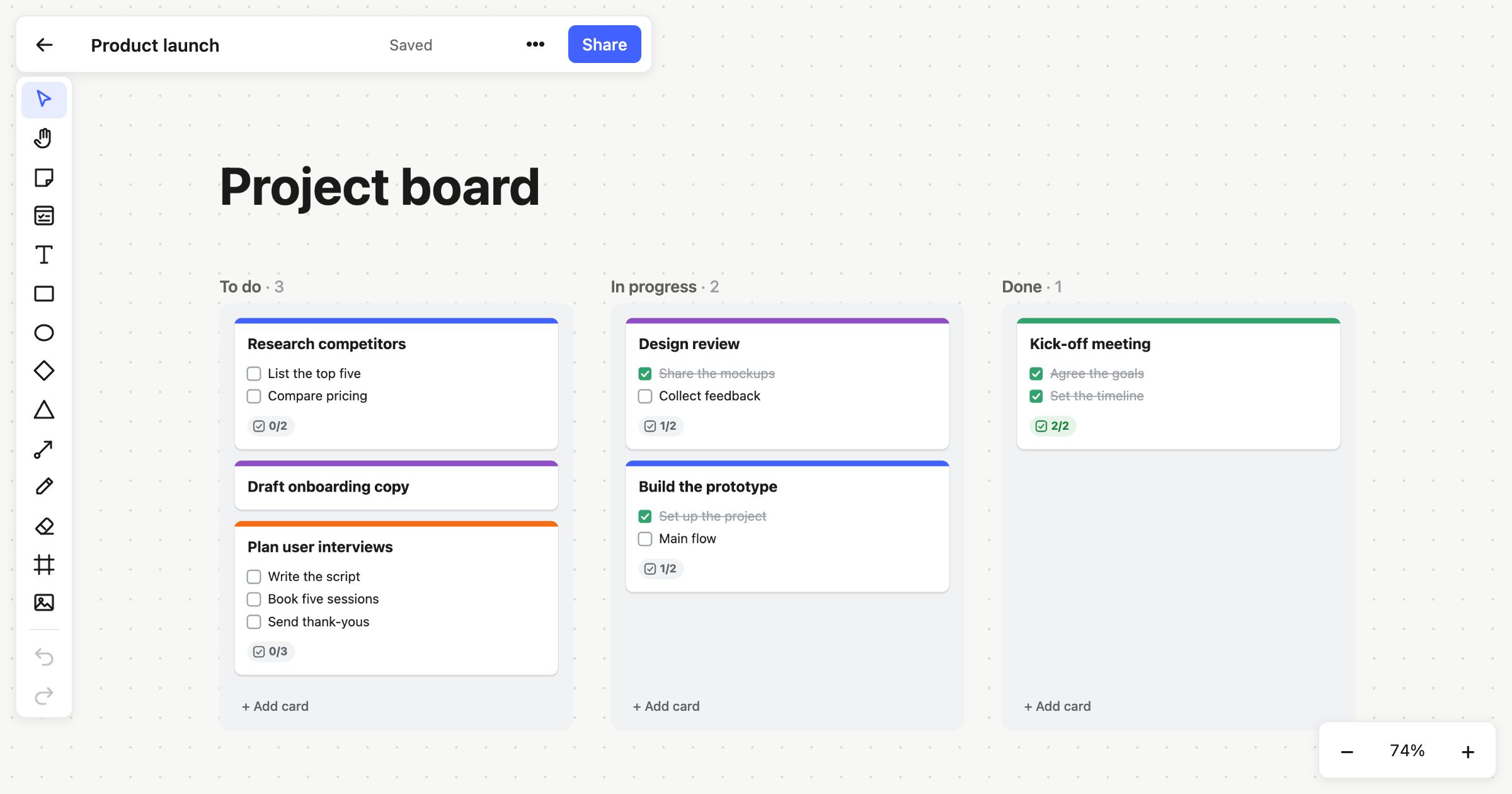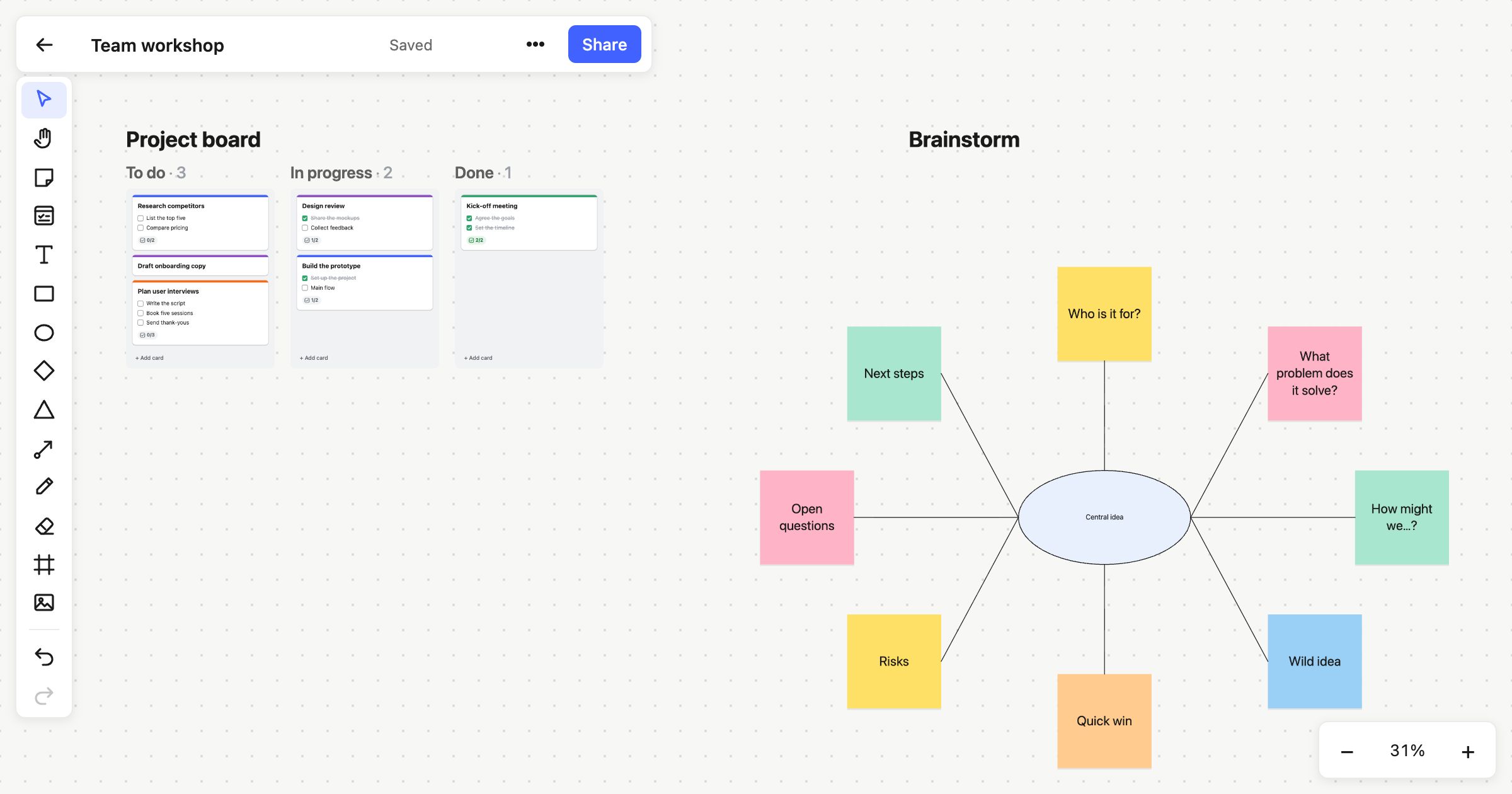
The people who need to see a board aren’t always the people working on it. A client reviewing a plan, a stakeholder who wants to know where things are, a community following a project in the open: none of them should need an account to take a look.
You could export a picture, but a picture is out of date the moment the board changes. So in Atomic Lab you can publish a board to the web.
One link, always up to date
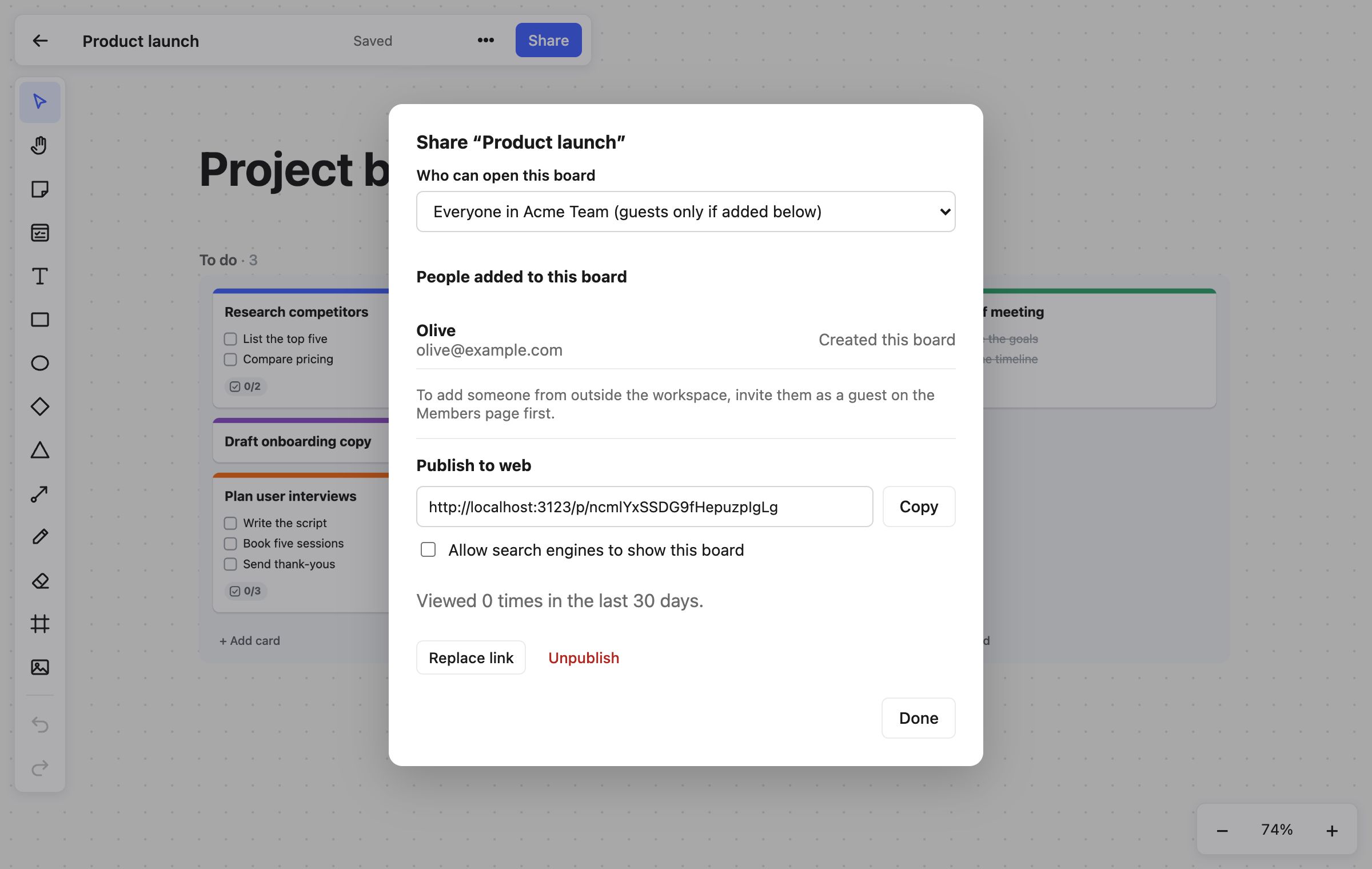
Open Share on any board and choose Publish. You get a link that anyone can open without signing up or installing anything.
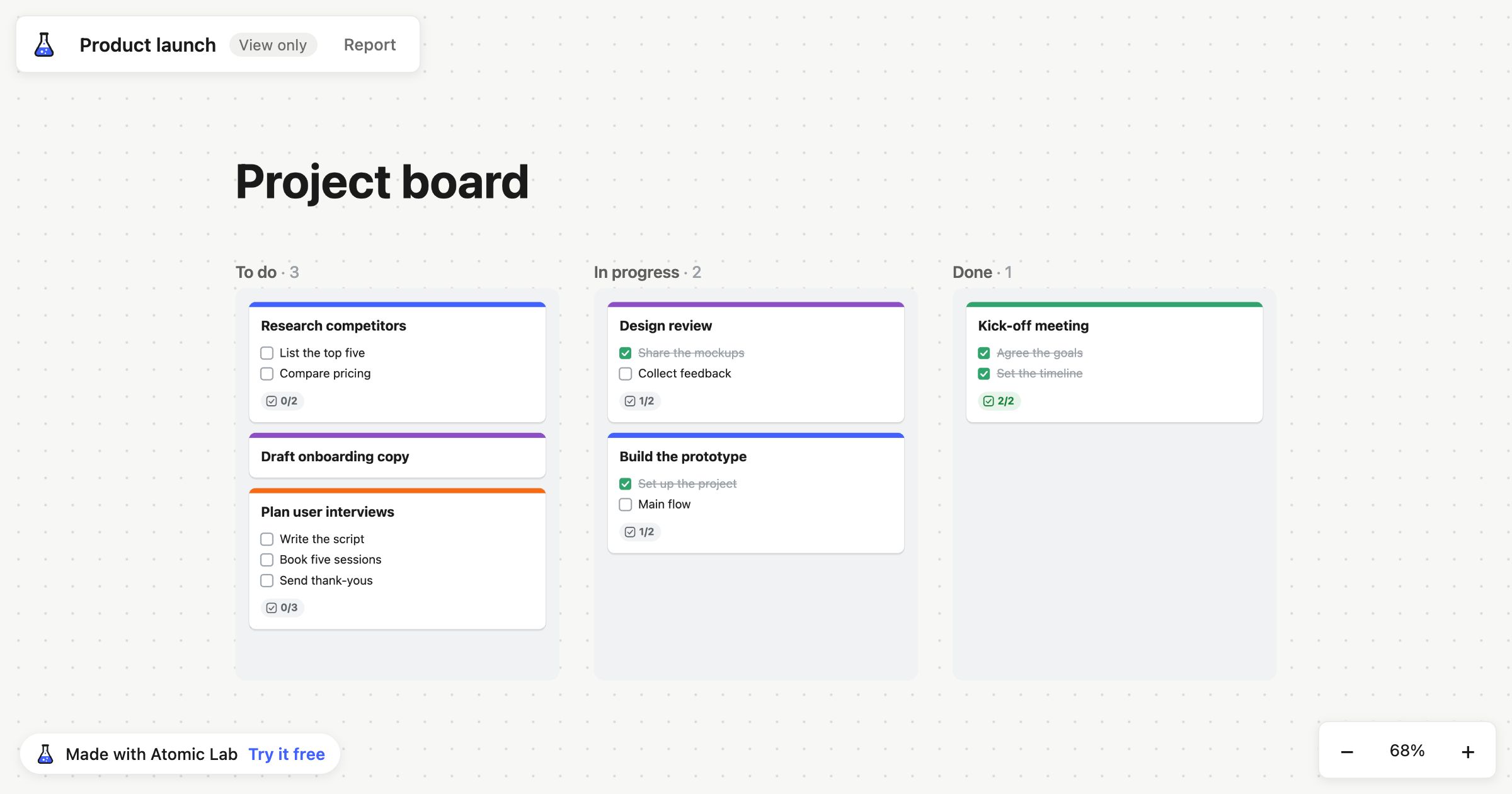
The board they see is live. When your team moves a card or adds a note, it changes on their screen too, so the link you sent last week still shows today’s board.
Read-only, and private where it matters
People with the link can pan and zoom around the board, but they can’t change anything. They also don’t see the people behind it:
- No cursors and no names. Visitors don’t see who’s on the board, and the people on it don’t see the visitors.
- No names on cards. Cards show that someone is assigned, but not who.
- No history. Earlier versions of the board stay with your team.
So you can share the plan without sharing your team’s working.
You stay in control
- Turn it off whenever you like. Choose Unpublish, and anyone viewing is disconnected straight away.
- Replace the link. If a link has travelled further than you meant, replace it: the old one stops working at once, and you can send the new one to the people who should have it.
- Delete it, and it’s gone. Moving a board to the trash also unpublishes it.
- Search engines stay out unless you say so. Published boards are hidden from search engines by default. Tick Allow search engines to show this board if you’d like it to be found, for example for a public roadmap.
See whether it’s being read
The Share dialog shows how many times the board has been viewed in the last 30 days, so you know whether that link in your update email was opened.
Good previews where you paste it
Paste the link into chat or a social post and it shows the board’s title and a picture of the board, kept up to date as the board changes.
Publishing or inviting?
The two do different jobs:
- Invite people to work on boards with you: they join the workspace and edit alongside you. Guests can be added to just the boards they need.
- Publish a board to show it to anyone else, without them needing an account.
Publishing is available on every plan. On the Free plan, published boards carry a small “Made with Atomic Lab” link in the corner; on Team they don’t.