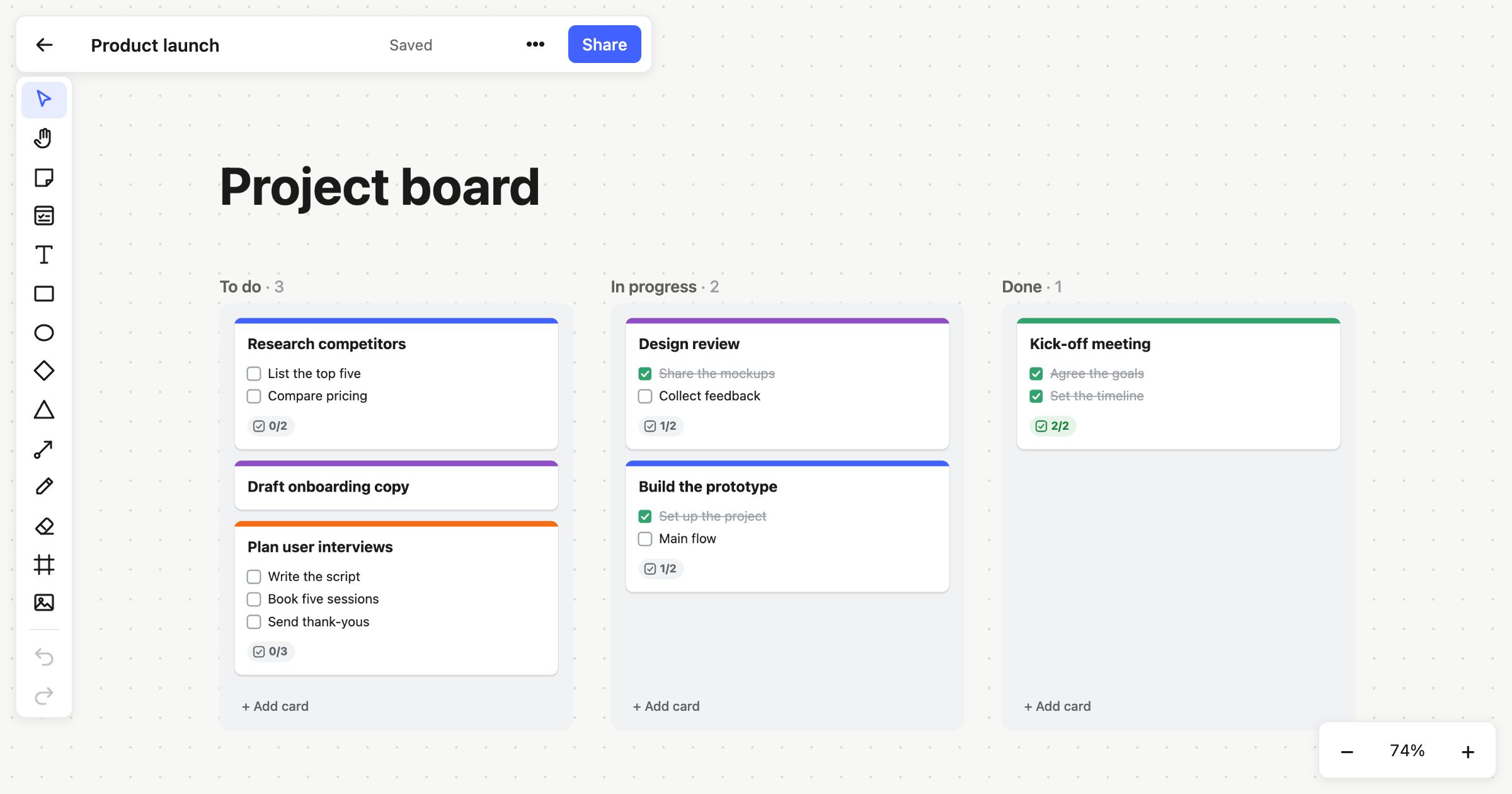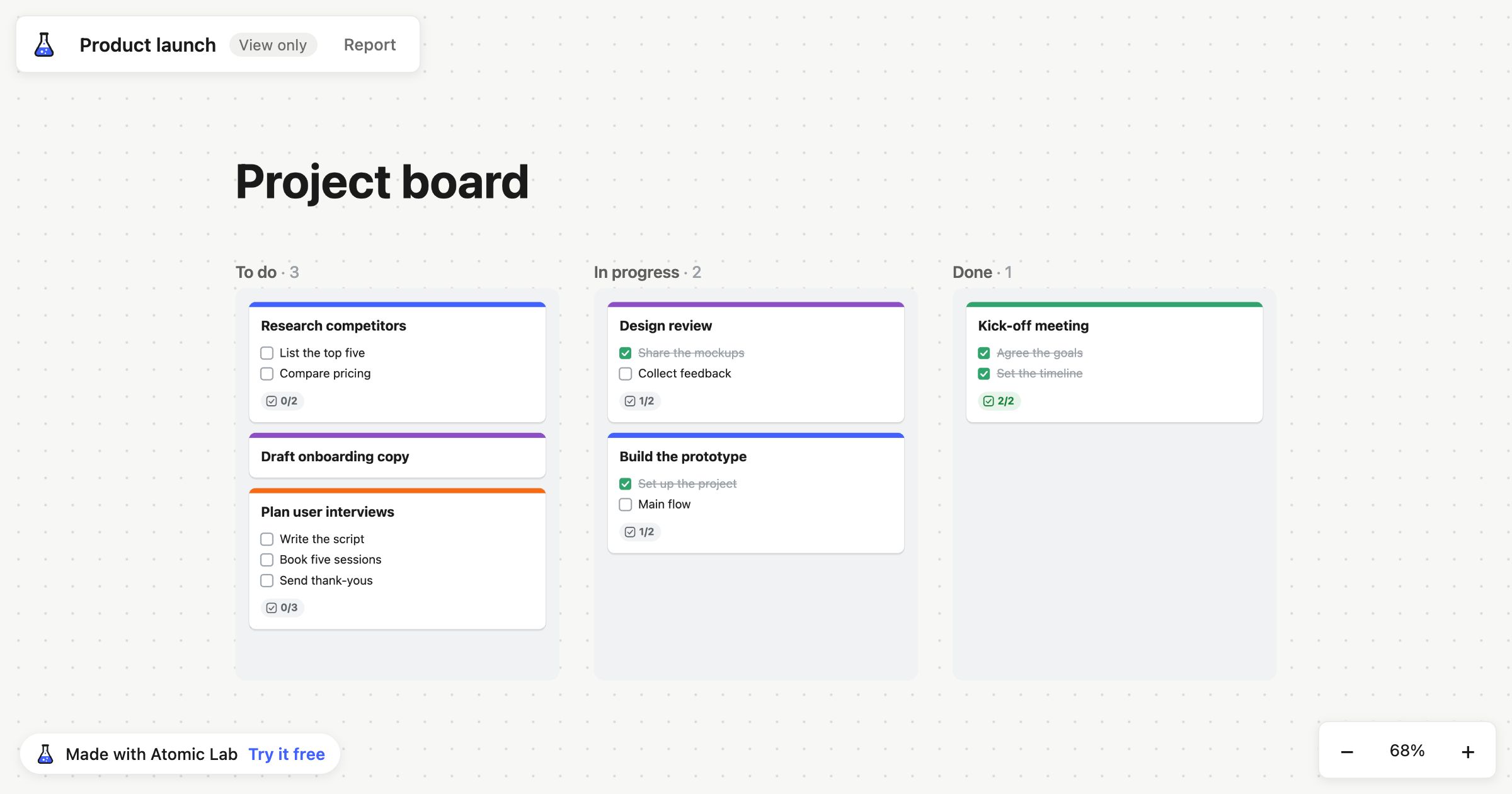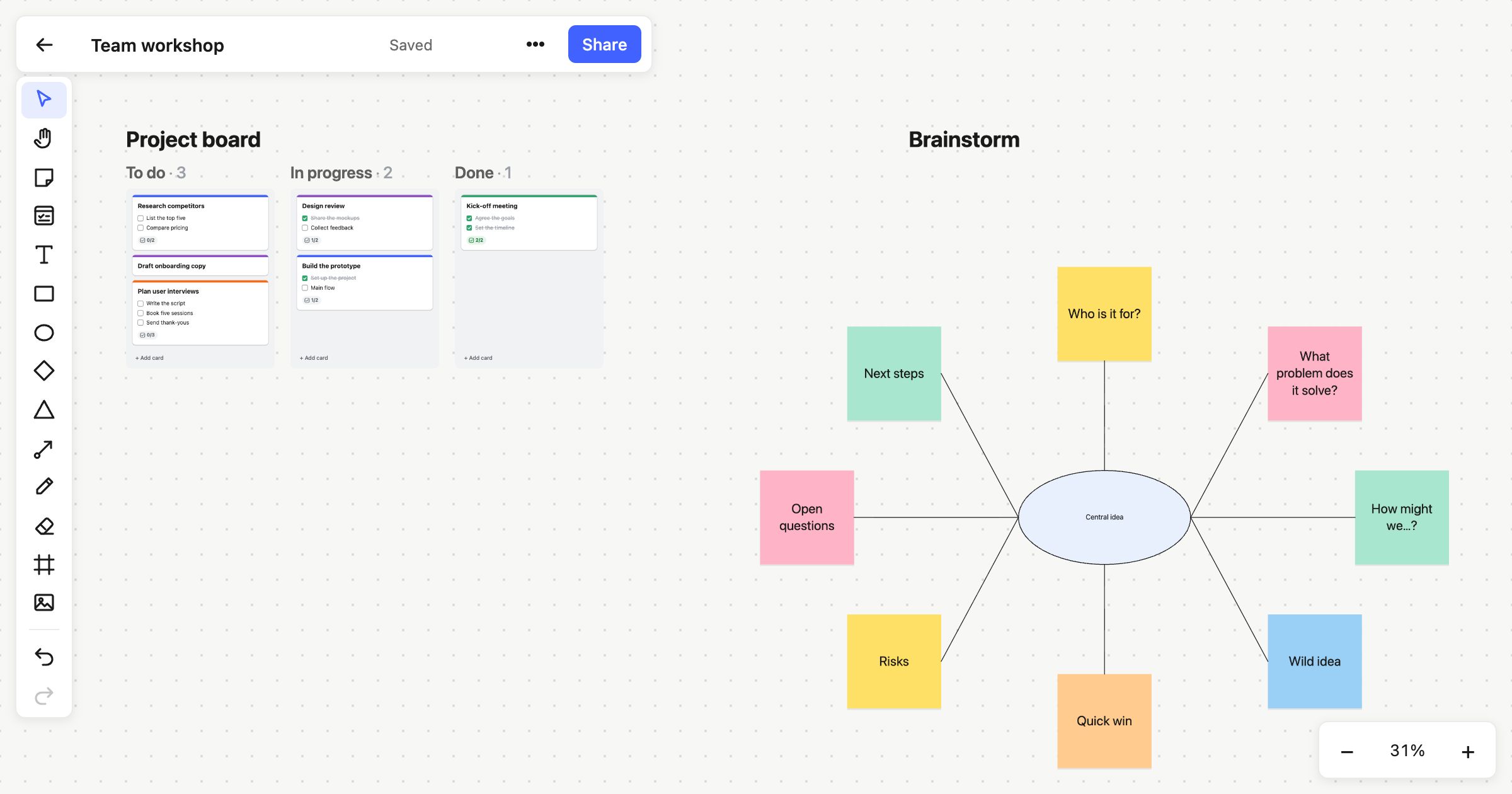
You know the moment. The workshop is flowing, someone drags a group of notes across the board, and everything stutters. The zoom jumps, a cursor freezes, and someone says “hang on, it’s loading”. It’s a small thing, and it breaks the room’s train of thought every time.
We built Atomic Lab around a simple idea: the board should keep up with your hands.
Why speed matters on a whiteboard
A whiteboard is where people think out loud. The best sessions are quick and messy: ideas go up, get moved, get grouped, get thrown away. A tool that hesitates turns that into a series of waits.
Boards also grow. A retrospective becomes a planning board, which becomes the project’s memory. Hundreds of notes become thousands, and plenty of tools slow down just when a board has become most useful.
And not everyone joins from a powerful computer. People open boards on ageing laptops, on busy Wi-Fi, in a browser already full of tabs. A heavy tool punishes them most.
How Atomic Lab stays fast
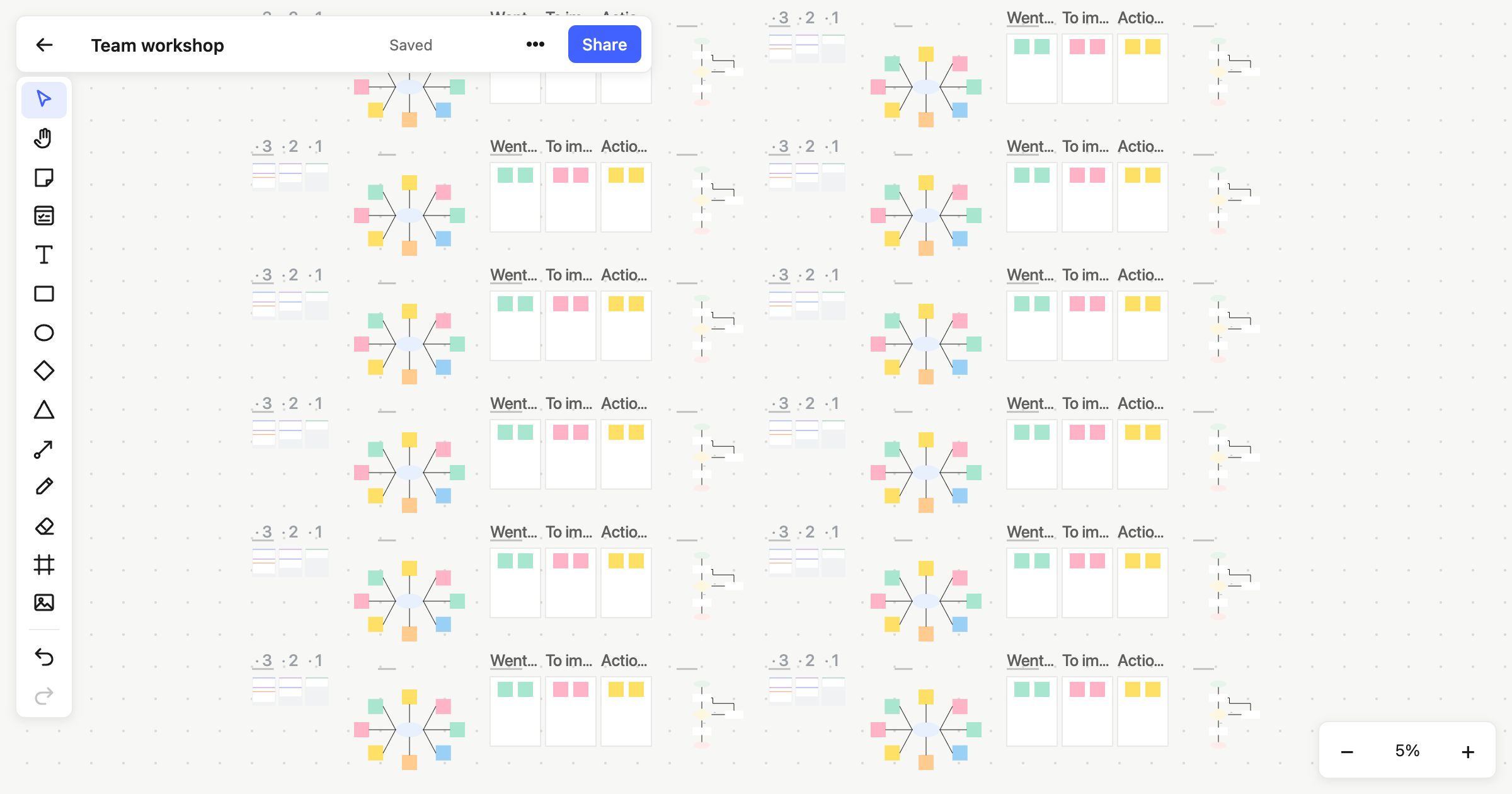
It’s built for the canvas. Atomic Lab draws your board directly, without layers of framework in between. It’s designed to pan and zoom at 60 frames per second with 10,000 objects on the board.
It only draws what you can see. Zoomed into one corner of a big board, the rest of it costs nothing. Zoomed right out, notes are drawn more simply, so the overview stays smooth too.
It’s a small download. The app’s main download is under 100 KB compressed, so a board opens in moments even on a slow connection.
It’s quiet when nothing’s happening. When nothing on the board moves, nothing is redrawn, which is kind to your battery in a long meeting.
Your own changes never wait for the network. What you do shows straight away, and is sent to everyone else in the background. If your connection drops for a moment, your changes are kept and sent when it’s back.
Fast to start, too
Speed isn’t only about frames per second. It’s also how long it takes to get going. On Atomic Lab you can choose Start drawing and be on a board in a second, without an account. The board is kept in your browser, and when you want to share it, you sign up free and move it into your account.
What we leave out
Staying fast means choosing what not to build. There’s no plug-in marketplace loading on every page, no tour that takes over the screen, and no grab bag of features you’ll never use. Instead we focus on the things you reach for every day:
- sticky notes, shapes, text, pens and connectors;
- cards with checklists, people and due dates;
- Kanban columns that stack and snap;
- frames, templates, and version history;
- export to PNG and SVG.
Give it a try with the biggest board you’ve got.